RK Astral Login Problems: Account Locked, Password Reset, and Verification Errors
RK Astral Login Problems: Account Locked, Password Reset, and Verification Errors
Login issues can stop you from placing bets or withdrawing your winnings. This guide walks through common RK Astral login problems and how to fix them—whether you're dealing with error messages, a locked account, or password troubles.
This is for players 21 and over only. If you find yourself betting more than you planned or feeling stressed about it, take a break and reach out to support to set deposit limits.
Common Login Error Messages and What They Mean
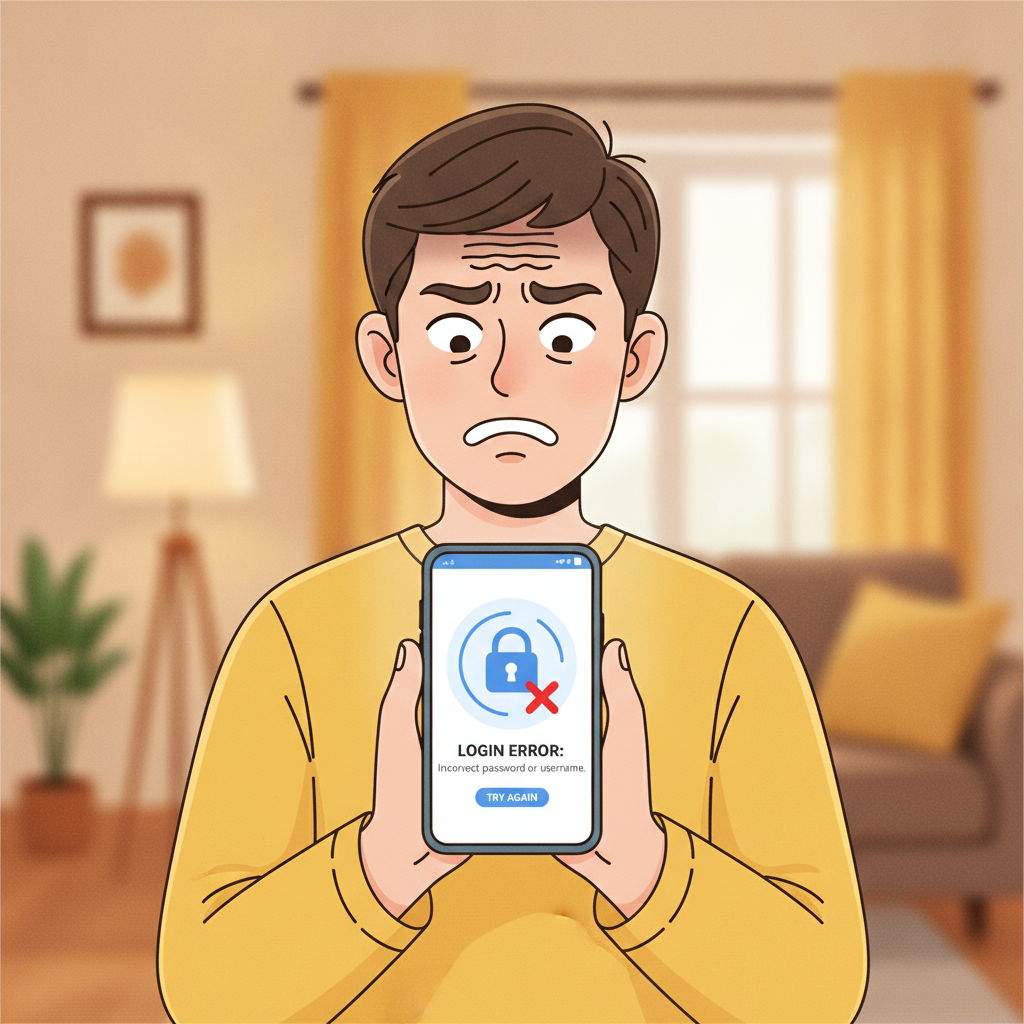
When you try to log in to RK Astral and hit an error, the message usually points to the cause. Here's what the most frequent ones mean:
"Incorrect username or password"
You've typed your mobile number, email, or password wrong. Double-check for typos, extra spaces, or autocorrect changes. If you're copying and pasting, make sure there's no hidden space at the end.
"Account temporarily locked"
RK Astral locks accounts after several wrong password attempts in a short time—usually three to five failures. This is a security feature to protect your funds. The lock typically lifts automatically after 15 to 30 minutes, or you can contact support to unlock it faster.
"Account suspended" or "Contact customer service"
This means RK Astral has put a hold on your account. Reasons include incomplete ID verification, suspicious activity, or a document upload that didn't match your registration details. You'll need to reach out to support directly to resolve this.
"Session expired" or "Please log in again"
Your login session timed out, usually after you've been inactive for a while or switched networks. This isn't a problem—just log in again. If it keeps happening every few seconds, clear your browser cache or reinstall the RK Astral app.
"Unable to connect" or network errors
This isn't an account issue; it's your internet connection or RK Astral's server. Try switching from mobile data to Wi-Fi (or vice versa), refresh the page, or wait a few minutes and try again.
How to Reset Your RK Astral Password via SMS or Email
If you've forgotten your password or want to change it for security reasons, RK Astral offers password reset through SMS or email.
Step-by-step password reset:
- Open the RK Astral app or website and tap "Login."
- Tap "Forgot Password?" below the password field.
- Enter the mobile number or email you used to register your account.
- Choose SMS or email delivery for your reset code. SMS is faster if your registered number still works; email is the backup if you've changed phone numbers.
- Check your messages. You should receive a six-digit verification code within one to three minutes. If it doesn't arrive, tap "Resend code" or check your spam folder for email.
- Enter the code on the reset screen.
- Create a new password. It must be at least eight characters and include a mix of letters and numbers. Avoid obvious choices like "12345678" or your birthdate.
- Confirm the new password and tap "Submit."
You should see a success message, and you can log in immediately with the new password.
If you don't receive the reset code:
Make sure the mobile number or email on file is still active. If you've changed your number or lost access to your email, contact RK Astral support with your account details and a valid ID to update your contact information.
Why Accounts Get Locked (Failed Login Attempts, Incomplete Verification)
RK Astral locks accounts for two main reasons: security triggers and compliance checks.
Too many failed login attempts
After three to five wrong password entries in a row, the system assumes someone might be trying to access your account without permission. The temporary lock (usually 15–30 minutes) gives you time to reset your password properly and stops brute-force attacks.
Incomplete or failed ID verification
Philippine regulations require online casinos to verify players' identities. If you registered but didn't upload a valid ID, or if the documents you submitted were blurry, expired, or didn't match your account name, RK Astral may lock login access until you complete verification.
Mismatched account details
If the name on your GCash, Maya, or bank account doesn't match the name you registered with, RK Astral's compliance team may flag your account. This often happens during your first withdrawal attempt, but it can also trigger a login block.
Suspicious activity or duplicate accounts
Creating more than one account (against RK Astral's terms) or logging in from many different devices in a short time can trigger a security review. The platform may lock the account while they investigate.
Expired documents
If your ID or proof of address on file has expired, RK Astral may ask you to re-verify. Until you upload a current document, your login might be restricted.
Steps to Unlock Your Account or Contact Support
If your account is locked and the automatic unlock timer hasn't fixed it, or if you see a "Contact support" message, here's what to do.
Wait out a temporary lock
For "Account temporarily locked" errors caused by wrong passwords, wait 30 minutes and try again. Don't keep retrying—it resets the timer.
Use the password reset flow
Even if your password was correct, going through the "Forgot Password?" process can sometimes clear a lock. It confirms your identity via SMS or email and lets you set a fresh password.
Contact RK Astral customer support
If the lock persists or you see "Account suspended," reach out directly:
- Live chat: Open the RK Astral app or website, tap the chat icon (usually bottom-right), and explain your issue. Live chat is fastest during peak hours (evenings and weekends).
- Email: Send a message to the support email listed on the RK Astral website. Include your registered mobile number, username, and a brief description of the error.
- Social media: Some players report success messaging RK Astral's official Facebook page, though response times vary.
Prepare your information
Support will ask for your registered mobile number or email, your full name as it appears on your account, and sometimes the last deposit or withdrawal amount to confirm your identity. Have a photo of your valid ID ready in case they need to re-verify you.
Re-submit verification documents
If the lock is due to incomplete verification, support will guide you to upload:
- A clear photo of your government-issued ID (driver's license, passport, or Philippine national ID)
- A selfie holding the ID next to your face
- Proof of address if requested (utility bill or bank statement with your name and address, dated within the last three months)
Make sure photos are well-lit, in focus, and show all four corners of the document. Blurry or cropped images will be rejected and delay the unlock.
Check for duplicate accounts
If RK Astral suspects you have more than one account, they may ask you to confirm which account you want to keep. Be honest—trying to maintain multiple accounts will result in permanent bans and forfeiture of funds.
Response times
Live chat usually replies within a few minutes to an hour. Email can take 24 to 48 hours. If you're locked out during a weekend or holiday, expect slightly longer waits.
Preventing Future Login Problems
Once you're back in, take these steps to avoid repeat issues:
- Save your password securely. Use a password manager or write it down in a safe place. Don't rely on autofill if you clear your browser data often.
- Keep your contact details current. If you change your phone number or email, update them in your RK Astral account settings right away.
- Complete verification early. Upload your ID and any requested documents as soon as you register, before you make your first withdrawal. This avoids surprises later.
- Use a stable internet connection. Switching networks mid-session or using weak mobile data can cause "session expired" errors.
- Enable two-factor authentication if available. Some platforms add an extra SMS code step at login for security. If RK Astral offers it, turn it on.
21+ Reminder and Responsible Gambling Notice
RK Astral is for players aged 21 and over only. Online betting should be entertainment, not a way to make money or solve financial problems.
If you notice you're logging in more often than you intended, chasing losses, or feeling anxious about your account, take a break. RK Astral's support team can help you set deposit limits, cooling-off periods, or self-exclusion if you need it. You can also reach out to organizations like Gamblers Anonymous Philippines for confidential support.
Play within your budget, and never bet money you can't afford to lose. If login problems are causing frustration, step back and sort them out calmly—your account and balance will still be there once everything is resolved.