RK Astral Maya Deposit and Withdrawal: Fees, Limits, and Wait Times
RK Astral Maya Deposit and Withdrawal: Fees, Limits, and Wait Times
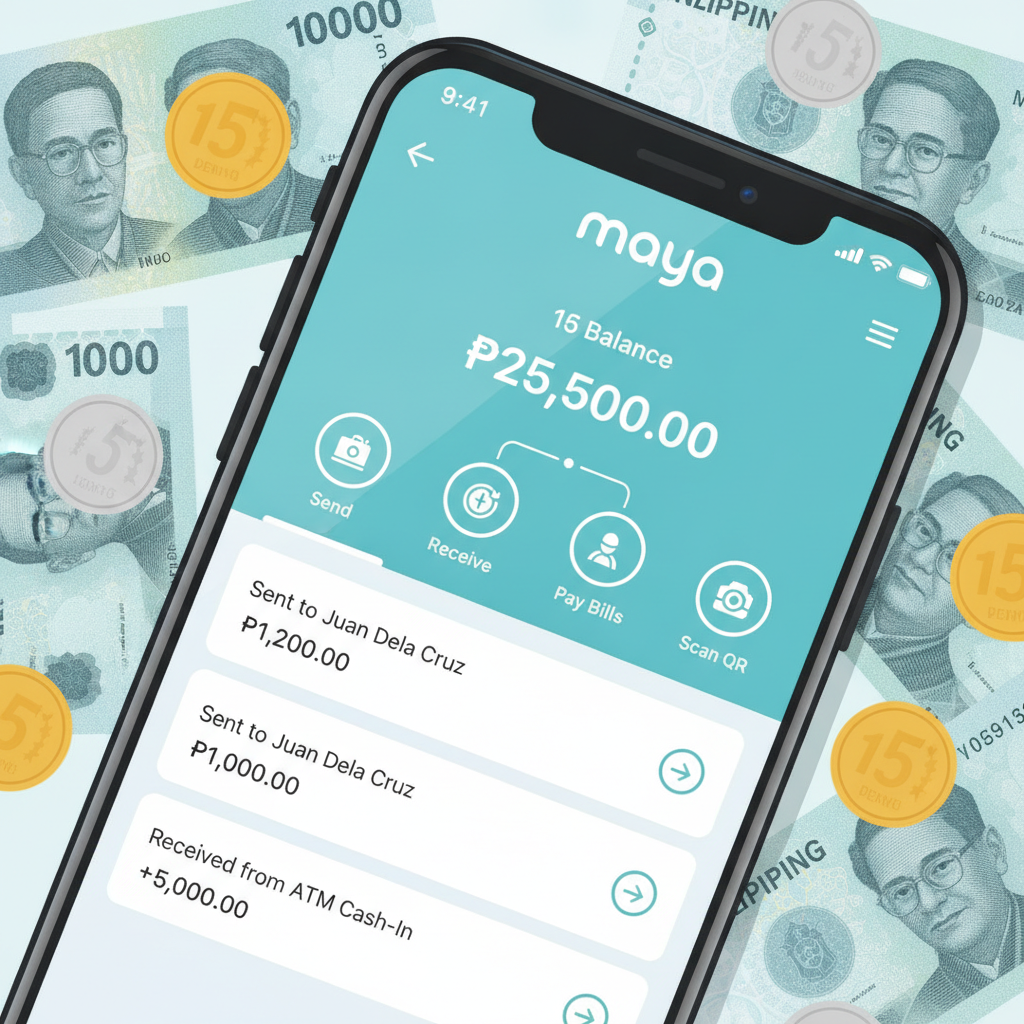
Maya is one of the main e-wallet options RK Astral offers to Filipino players for deposits and withdrawals. If you're already playing on the platform and prefer Maya over GCash or bank transfer, this guide covers the practical details: how to move pesos in and out, what fees apply, transaction limits, and how long cashouts take.
This site is an independent guide. RK Astral services are for players aged 21 and over only. Please gamble responsibly and only wager what you can afford to lose.
How to Deposit Pesos via Maya into Your RK Astral Wallet
Depositing through Maya is quick once you've linked your account. Here's the typical process:
- Log in to your RK Astral account on mobile or desktop.
- Navigate to the cashier or deposit section. This is usually labelled "Deposit," "Cashier," or shown as a wallet icon.
- Select Maya from the list of payment methods. Other options like GCash, bank transfer, or InstaPay may appear alongside it.
- Enter your deposit amount in pesos. Most players deposit between PHP 100 and PHP 500, but you can go higher depending on your bankroll.
- Confirm the transaction. You'll be redirected to Maya's payment gateway or asked to open the Maya app.
- Authorize the payment in Maya. Use your Maya PIN, biometric login, or OTP to approve the transaction.
- Return to RK Astral. Your balance should update within seconds to a few minutes.
Common issues:
- Balance not showing immediately? Wait two to five minutes and refresh your RK Astral wallet. If it's still missing after ten minutes, check your Maya transaction history to confirm the payment went through, then contact RK Astral support with your reference number.
- Maya balance insufficient? Top up your Maya wallet via bank transfer, 7-Eleven, or other Maya cash-in channels before attempting the deposit.
- Payment declined? This can happen if your Maya account isn't fully verified or if you've hit a daily spending limit in Maya. Check your Maya app settings and complete any pending verification steps.
Maya Withdrawal Request Process and Verification Checks
Cashing out to Maya follows a similar flow but involves verification steps, especially on your first withdrawal or when requesting larger amounts.
- Open the cashier or withdrawal section in your RK Astral account.
- Choose Maya as your withdrawal method.
- Enter the amount you want to cash out. Make sure it's within the allowed range (more on limits below).
- Provide or confirm your Maya account details. This is usually your registered mobile number tied to Maya. Double-check the number to avoid sending money to the wrong account.
- Submit the request. RK Astral will review it before processing.
Verification checks RK Astral may require:
- Identity documents: A valid government-issued ID (driver's license, passport, or UMID) may be requested, especially for first-time withdrawals or amounts over PHP 5,000.
- Proof of Maya ownership: A screenshot of your Maya profile showing your name and registered mobile number.
- Address verification: A recent utility bill or bank statement, typically needed if you haven't completed full KYC (Know Your Customer) verification.
- Source of funds or gameplay review: In rare cases, RK Astral may review account activity if large or unusual withdrawal patterns are detected.
If RK Astral requests documents, upload them through the account verification section or email them to support. Withdrawals are usually held until verification is complete.
Fee Breakdown: What RK Astral and Maya Charge per Transaction
Understanding fees helps you plan deposits and withdrawals without surprises eating into your balance.
Deposit fees:
- RK Astral's side: Most online casinos in the Philippines, including RK Astral, do not charge a fee for Maya deposits. The full amount you send should land in your casino wallet.
- Maya's side: Maya does not charge for sending money to merchants or casino platforms. However, if you're topping up your Maya wallet via credit card or certain bank channels, Maya may apply a convenience fee (typically 1–2%). Check Maya's fee schedule in-app.
Withdrawal fees:
- RK Astral's side: Fee policies vary by platform. Some operators charge a flat fee (e.g., PHP 15–50) or a percentage (1–2%) per withdrawal. Check RK Astral's cashier page or terms for the current rate. Many platforms waive fees for the first withdrawal each week or month.
- Maya's side: Receiving money in your Maya wallet is free. Once the funds land, you can spend, transfer, or cash out from Maya as you would normally. If you later transfer from Maya to a bank, Maya's own fees (if any) apply—these are separate from RK Astral.
Pro tip: If RK Astral charges per transaction, avoid making multiple small withdrawals. Bundle your cashouts to minimize total fees.
Minimum and Maximum Amounts for Maya Cashouts
Transaction limits are set to balance player convenience with fraud prevention and liquidity management.
Minimum withdrawal:
- Typically PHP 100 to PHP 200 per transaction. This prevents micro-withdrawals that clog processing queues and lets casual players still cash out small wins.
Maximum withdrawal:
- Single-transaction limits often range from PHP 10,000 to PHP 50,000, depending on your account status and verification level.
- Daily or weekly caps may also apply. For example, RK Astral might allow PHP 50,000 per transaction but limit total withdrawals to PHP 100,000 per week for standard accounts.
- VIP or verified accounts sometimes enjoy higher limits—PHP 100,000+ per transaction or higher weekly caps. If you play regularly and need larger cashout flexibility, consider completing full ID verification or reaching out to RK Astral's VIP support.
Maya's own limits:
- Maya wallet accounts have their own balance and transaction caps. A basic Maya account can hold up to PHP 100,000; fully verified Maya accounts can hold more. If your RK Astral withdrawal exceeds your Maya wallet limit, the transaction may fail. Upgrade your Maya verification tier (submit valid ID through the Maya app) to increase capacity.
How Long Do RK Astral Maya Withdrawals Take?
Processing speed depends on RK Astral's internal review, your verification status, and Maya's network.
Typical timelines:
- Verified accounts, standard amounts (PHP 100–5,000): 15 minutes to 2 hours during business hours. Many players report near-instant transfers once the request moves from "pending" to "approved."
- First-time withdrawal or larger sums (PHP 5,000+): 2 to 24 hours. RK Astral's risk and compliance team may manually review the transaction.
- Weekends and holidays: Some operators process cashouts only during weekday banking hours (Monday–Friday, 9 AM–5 PM Philippine time), even though Maya itself runs 24/7. Requests submitted late Friday might not move until Monday.
What to do if your withdrawal is stuck:
- Check the status in your RK Astral account. Look for labels like "pending," "processing," or "approved."
- Confirm your Maya details are correct. A wrong mobile number will cause the transfer to fail and bounce back.
- Wait the stated processing window. If RK Astral promises "within 24 hours," give it that full period before escalating.
- Contact RK Astral support. Provide your withdrawal reference number, transaction date, and Maya mobile number. Support can check if there's a hold for verification or a technical glitch.
- Check your email and SMS. RK Astral or Maya may send alerts if additional documents or confirmation are needed.
Canceling or editing a withdrawal:
Some platforms let you cancel a pending withdrawal before it's approved, in case you change your mind or spot a mistake. Once the status changes to "approved" or "completed," the transaction cannot be reversed.
21+ Reminder and Responsible Gambling Notice
RK Astral's services are available only to players aged 21 and over. Online gambling should be a form of entertainment, not a way to make money or solve financial problems.
Play responsibly:
- Set a budget before you deposit and stick to it.
- Never chase losses or borrow money to gamble.
- Take regular breaks and monitor how much time and money you spend.
- Use RK Astral's account limits or self-exclusion tools if you feel your play is becoming problematic.
- Seek help if gambling is affecting your life. Organizations like Gamblers Anonymous Philippines offer confidential support.
This guide is provided for informational purposes. Always verify current fees, limits, and processing times directly with RK Astral, as policies can change.
Need help with other payment methods? Check our guides on RK Astral GCash deposits and withdrawals, InstaPay and PESONet bank transfers, and troubleshooting failed or delayed cashouts.